
This list is aimed at those looking to discover some of the top tools for AI music and song generation. Let’s get one thing out of the way first: none of the tools on this list are trying to replace a real musician. A skilled composer or session player brings years of taste, emotion, and lived experience to a track that AI simply can’t replicate, and if you have the budget to commission original music from an actual human, that’s almost always going to be the better choice.
But that’s not the situation most people are in. Maybe you’re editing a YouTube video at midnight and need a background track by tomorrow morning. Maybe you’re building an indie game solo and the entire music budget is zero. Maybe you’re a podcaster who just needs a clean intro jingle and doesn’t have a few hundred dollars lying around for a composer. That’s exactly where AI music generators earn their place – not as a replacement for musicians, but as a genuinely useful option for people working on other projects who need decent music and don’t have a big budget to work with. With that in mind, here are some of the best AI music generators worth trying right now! We’ve also made sure that each of the tools on this list offers a free plan or free trial version.

Suno
Suno is, by a wide margin, the name most people think of first when AI music comes up, and it’s easy to see why. Type in a short description of the song you want – genre, mood, topic, whatever comes to mind – and Suno hands you back a complete track in under a minute, vocals, lyrics, and full instrumentation included. It’s not making a loop or a backing track; it’s making an entire song, and the quality on its latest model is genuinely startling. It’s been used for everything from YouTube intros to full concept albums, and there’s even a case of a Suno-made track landing an artist a real record deal.
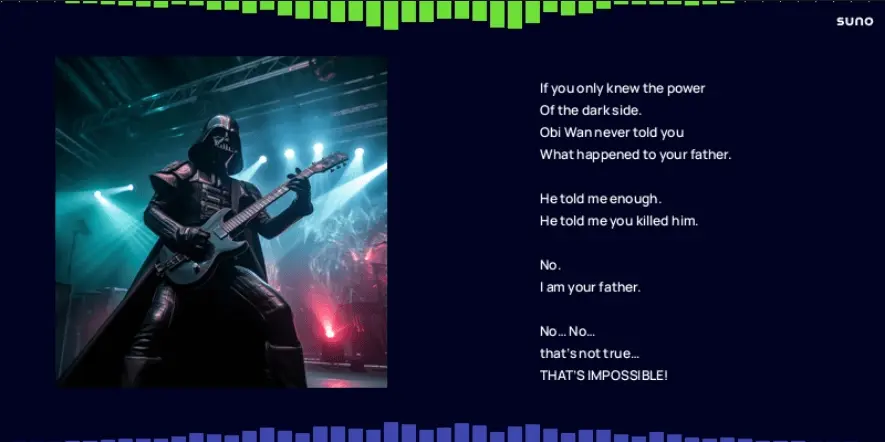
Suno’s free plan gives you 50 credits a day, which works out to roughly 10 songs daily, and no credit card is required to sign up. That’s a solid amount to play with, especially compared to some competitors. The catch is that anything made on the free plan is for personal, non-commercial use only, and you’ll need attribution and a paid plan if you want to use the music in monetized content like YouTube ads or client work. Still, for personal projects, demos, or just experimenting with a new hobby, 10 free songs a day is more than enough to get creative.
Udio
Udio is often mentioned in the same breath as Suno, and for good reason – it was founded by former Google DeepMind researchers and it competes directly on the same turf: full songs with realistic vocals from a simple text prompt. Where Udio tends to edge ahead is in vocal and mix quality; a lot of users find its output sounds a touch cleaner and more polished straight out of the gate. It also gives you solid creative control, letting you auto-generate lyrics, write your own from scratch, or skip vocals entirely for a pure instrumental, and its Extend feature makes it easy to build a short clip out into a properly structured song.

Udio’s free tier gives you 10 credits a day plus a 100-credit monthly top-up pool, which in practice works out to around 1 to 3 full songs a day depending on length. Like Suno, free-tier tracks are for non-commercial use, and songs are public by default unless you upgrade. If your priority is squeezing out the cleanest possible vocal quality without paying anything, Udio is well worth putting side by side with Suno to see which one you personally prefer!
Soundraw
Soundraw takes background music and gives it a proper editing suite. Pick a genre (there are 30-plus to choose from, and you can even blend two together, like Hip-Hop and Orchestra), then use the built-in mixer to toggle instruments on and off, adjust the energy, and reshape the structure until the track actually fits your video’s pacing rather than just looping in the background. It’s trained entirely on in-house recordings rather than scraped internet audio, which is a nice bit of peace of mind if copyright strikes are something you worry about, and it’s been used by some big names like Canva and LG.

Soundraw’s “free” access is mostly a free trial rather than an ongoing free plan. You can generate, preview, and customize as many tracks as you like at no cost, which is genuinely useful for experimenting with sound and structure. The catch is that downloading a finished track requires a paid subscription. So think of Soundraw less as a fully free music generator and more as a very generous “try before you buy” experience – great for figuring out if the sound suits your project before committing to a plan.
OpenMusic AI
OpenMusic AI positions itself as an all-in-one music workspace rather than just a generator – alongside the core text-to-song tool, it bundles an AI lyrics generator, a vocal remover, stem splitting, AI mastering, and even a MIDI editor, all inside one browser-based platform. You can describe a song in plain language or supply your own lyrics and let the AI build the arrangement around them, with finished tracks running up to 8 minutes long. It’s a solid pick if you want a bit more production control without switching between five different apps.
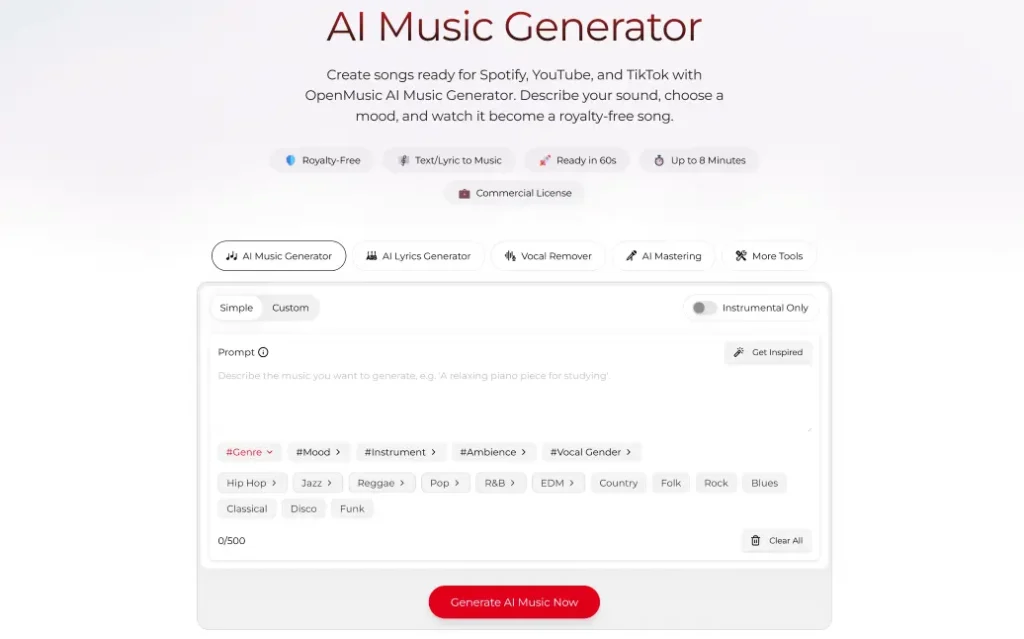
The free plan on OpenMusic AI is fairly limited – you get 2 songs and 1 generation a month, for personal use only. That’s noticeably tighter than Suno or Udio’s daily allowances, so it’s better suited to someone who only occasionally needs a track here and there rather than a regular creative habit. The upside is that even the entry-level paid plan is inexpensive if you do find yourself needing more, and the bundled toolkit (mastering, stem splitting, lyrics) means you’re not just getting a generator, you’re getting a small production suite too.
MusicGPT
MusicGPT positions itself as more of an all-in-one audio hub than a single-purpose generator. Alongside full song generation from a text prompt, it bundles lyric writing, vocal and cover tools, sound effects, and stem splitting, all inside one account, and there’s a mobile app for iOS and Android if you’d rather create on the go than sit at a desktop. It runs on a credit system rather than a simple daily cap, so how far your usage stretches depends a bit on the length and settings of what you’re generating, but it’s a solid option if you want song generation and a few extra audio tools without juggling separate apps.
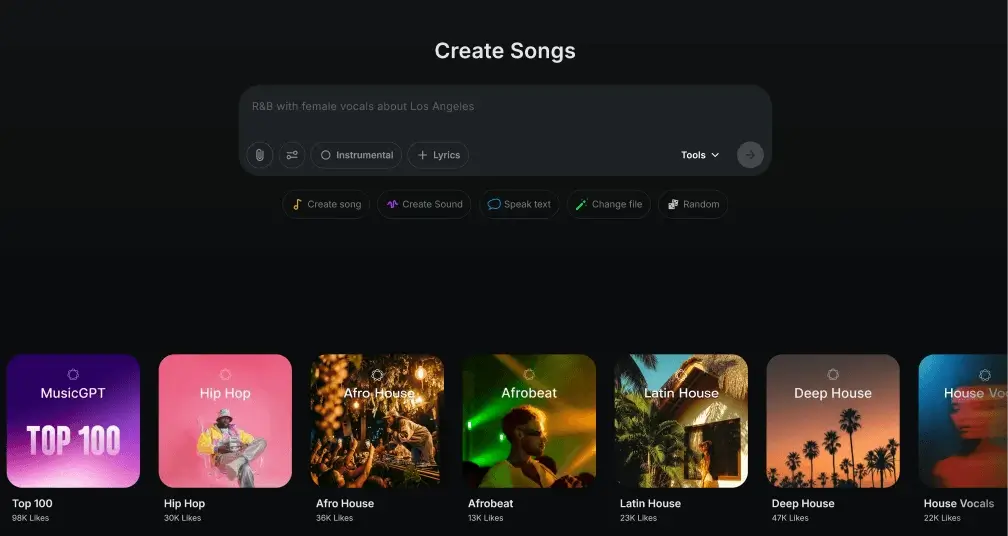
MusicGPT’s free trial plan gives you 500 credits, which works out to roughly 10 to 15 full-length tracks depending on how long they are, and you don’t need to enter any payment details to get started – you can even generate short samples without creating an account at all. The trade-off is that free-tier tracks are for personal use only, with no commercial rights, and features like remixing, extending, and stem downloads are reserved for paid plans. Still, for anyone who just wants a batch of usable tracks a month without spending anything, it’s a fair deal.
Mubert
Mubert takes a different approach entirely. Rather than generating full songs with vocals, it’s built for royalty-free background music and soundscapes – the kind of thing you’d drop under a YouTube video, a livestream, a podcast, or an app! You can generate tracks from a text prompt, a mood or genre selection, or even from an uploaded image, and tracks can run up to 25 minutes long, which makes it especially handy for anyone who needs long-form ambient or looping music rather than a three-minute pop song.
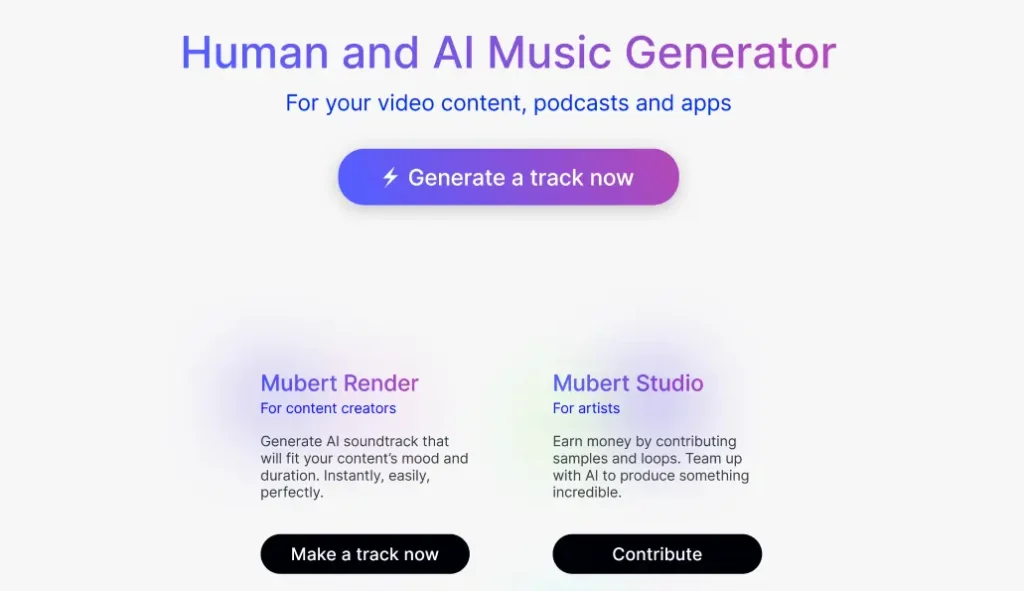
Mubert’s free “Ambassador” plan lets you generate up to 25 tracks a month at no cost, with no credit card required. The catch here is that free tracks come with an audible watermark and are for personal, non-commercial use with attribution back to Mubert. If you want clean, watermark-free downloads or the rights to monetize your content, that’s when the paid Creator plan comes in. Still, for personal projects or just testing whether AI background music suits your workflow, 25 free tracks a month is a generous way to try it out.
Which AI music generator should you actually use?
If you want full songs with vocals and lyrics, we recommend starting with Suno or Udio! Both give you a genuinely generous number of free songs a day, and it’s worth trying both since their outputs have a noticeably different character. If you just need clean background music for videos, streams, or podcasts, Mubert’s 25 free tracks a month is hard to beat, while Soundraw is worth a look if you want deeper editing control and don’t mind paying once you’ve found a track worth downloading. And if you want a broader toolkit that goes beyond generation into mastering and editing, OpenMusic AI is worth a look, even if its free allowance is on the smaller side.
Whichever you pick, remember what these tools are actually good for: filling a real gap when there’s no budget for original music, not standing in for the work of an actual musician. Used that way, they’re a genuinely useful part of any creator’s toolkit.

