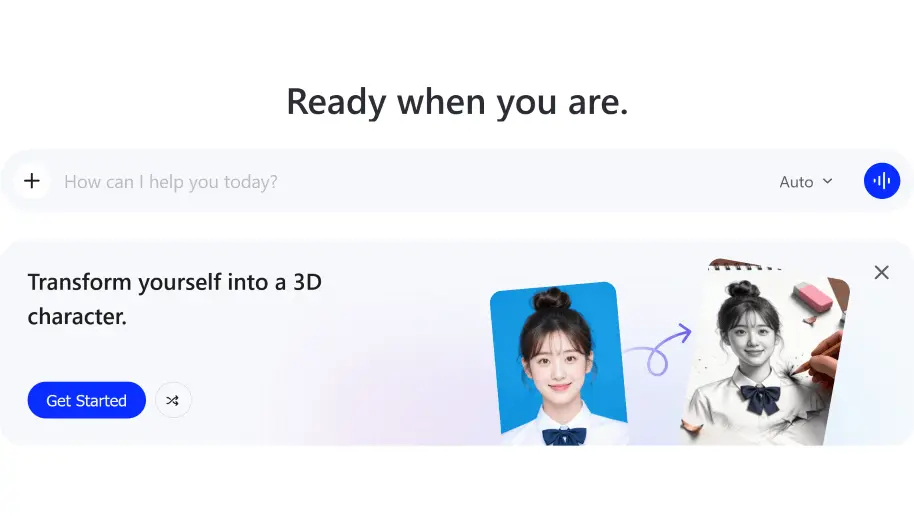
Qwen Studio is a multimodal chatbot built on the Qwen family of open-weight AI models, and it works a lot like ChatGPT or Gemini but with a strong emphasis on being free and open. Head to chat.qwen.ai (or grab the mobile app), sign in, and you can start entering prompts right away. It’s not just a text chatbot but a full workspace that also gives you access to the dedicated Qwen image model for generating and editing pictures from text prompts. Also included are the usual chat features like uploading PDFs, Word docs, or images to ask questions about them, writing and debugging code, making short videos from prompts, and pulling in live web results when you need current information.
Switching between the different models is simple too, just use the drop-down menu in the top left corner of the screen to pick whichever one suits your task. There’s also a “thinking mode” you can toggle on for trickier problems like math or multi-step reasoning, which trades speed for a more careful, step-by-step answer – worth switching on when a quick response feels off or too shallow. For coding tasks specifically, it’s worth trying the dedicated Qwen-Coder variant rather than the general model, since it tends to handle longer programs and debugging more reliably.