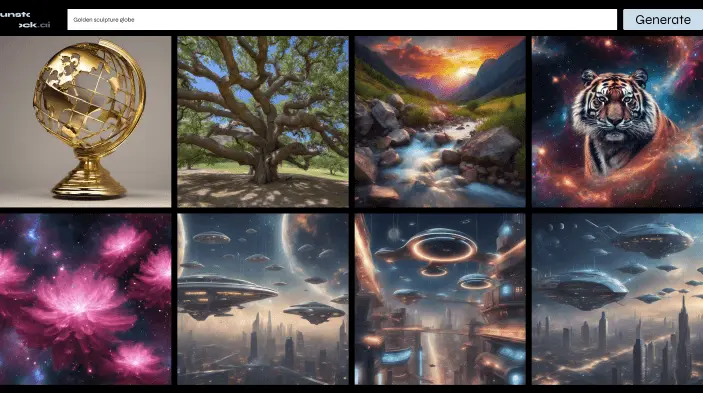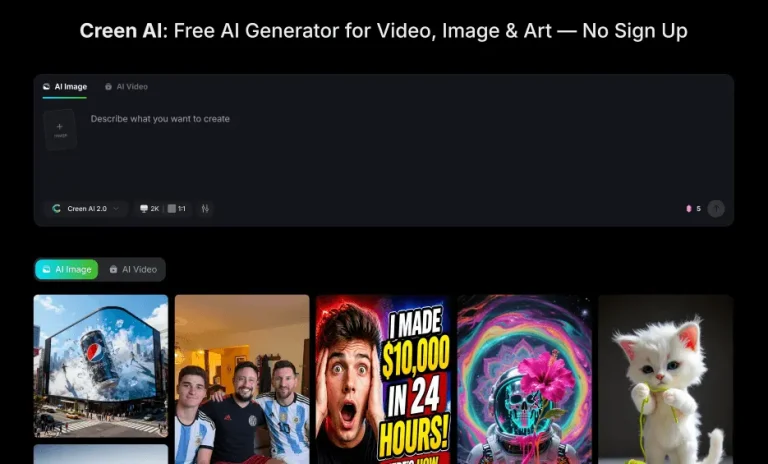
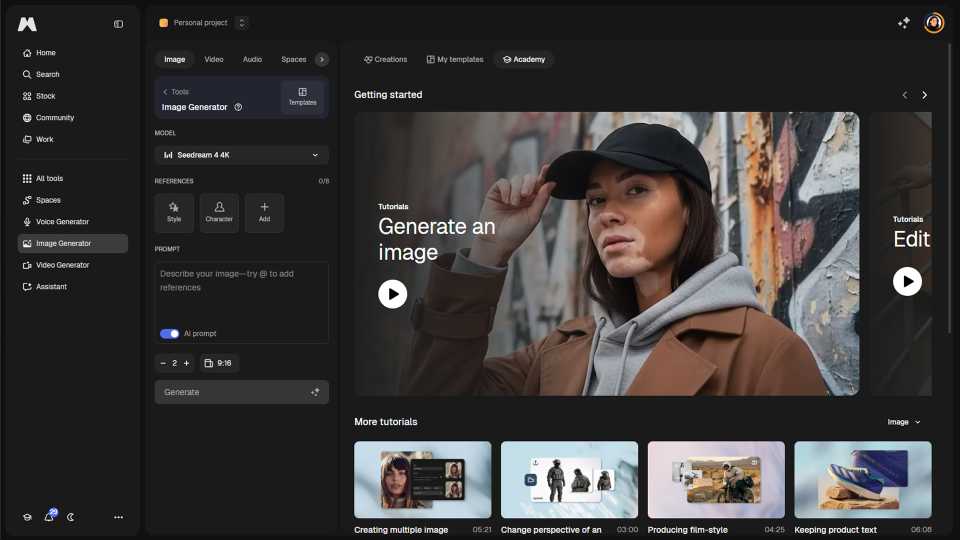
Magnific’s AI image generator lets you create images from a text prompt or a reference image. Just type in your prompt, hit “Generate”, and get multiple AI-generated images each time. You can choose between different styles, including Photo, Digital Art, Painting, 3D, Anime, Cartoon, Comic and many more.
What makes Magnific different is multi-model blending: instead of being locked into one AI model, you can combine outputs from the world’s latest models in a single workflow. Beyond basic generation, you get Cinematic Mode to recreate real camera settings, lenses and apertures for studio-grade shots, Variations to generate storyboard panels, camera angles, facial adjustments, character expressions and perspective shifts, and Relight to change the lighting in any scene through an intuitive UI.
After generating images, you can edit them directly in the platform with the built-in AI photo editor, or use Magnific’s exclusive Creative and Precise upscalers, with pixel-level refinement and up to Ultra HD 4K output for video.
Which AI models does Magnific support?
Magnific integrates the world’s leading image generation models in one place, including Google Imagen, Ideogram, Mystic, Flux, and many more. The multi-model approach means you can compare results across providers, blend strengths from different models, and pick the best output for each project, without switching platforms or paying separate subscriptions. Both free and premium plans give access to a curated selection of models, with premium tiers unlocking the most advanced versions and higher generation limits.