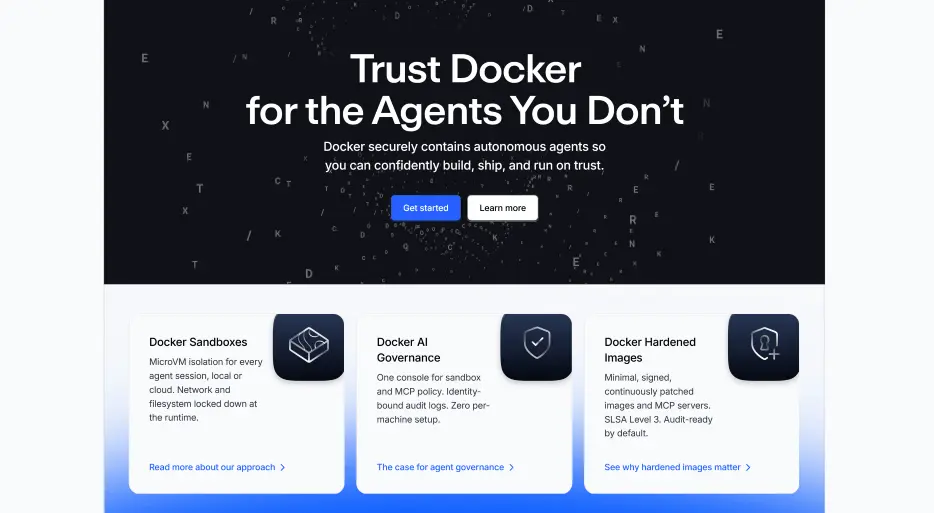
Docker is a container platform that lets developers package an app and everything it needs into one portable unit, so it runs the same on a laptop, a server or the cloud. It has also moved into the AI space with Docker Sandboxes, which run coding agents such as Claude Code inside isolated microVMs with locked-down network and file access, so you can let an agent work without worrying about what it touches. To get started, download Docker Desktop for Mac, Windows or Linux, then use the command line to build, run and share containers, pulling ready-made images from Docker Hub.
If you want to try agents, start a sandbox on your own machine and move to a cloud sandbox for longer jobs. A tip for newcomers: begin with the official Getting Started guide and the free training material before adding the more advanced security tools. Docker Personal is free for individual developers to use on their own projects, with paid Pro, Team, and Business plans available for more professional use.