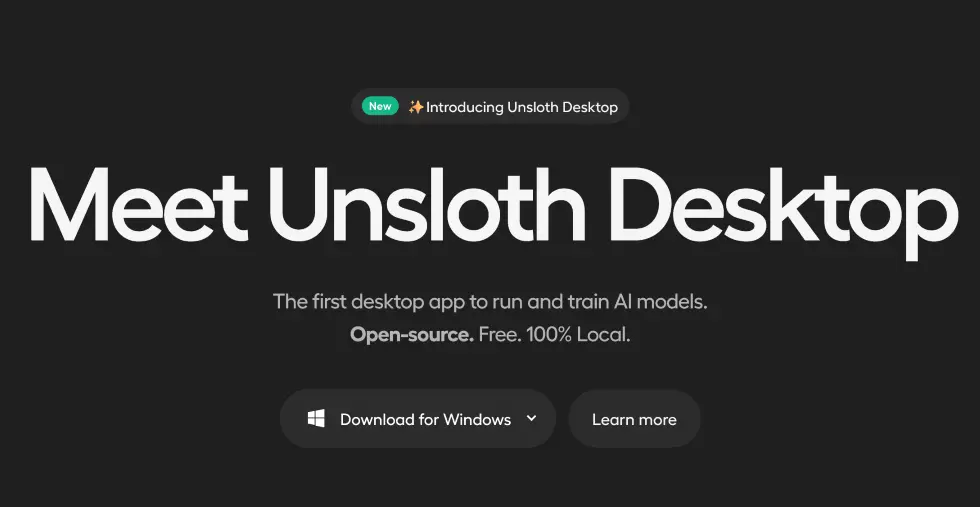
Unsloth is a free, open-source desktop app for running and training AI models entirely on your own computer, no cloud subscription or account required. Download it for Mac, Windows, or Linux, pull a model from the built-in hub, and you’re chatting within minutes; from there it also handles no-code fine-tuning, image and video generation, and local tool-calling for coding agents.
On top of the free version, Unsloth also offers paid Pro and Enterprise tiers, though these are really aimed towards people fine-tuning their own models for a specific task rather than just chatting or generating media locally. The paid plans add things like faster training kernels, greater VRAM reduction, and multi-GPU (or multi-node) support, which mostly matter if you’re training a model on a large custom dataset and need it to run efficiently across serious hardware.
Unsloth System Requirements
Unsloth works without a GPU at all for basic chat, but for anything more it’s built around NVIDIA cards (compute capability 7.0 or higher, so RTX 20-series and up), with AMD, Intel, and Apple Silicon Macs also supported. How much VRAM or unified memory you need depends entirely on the model and quantization level you pick, small quantized models can run comfortably on an 8-24GB card or a mid-range Mac, while larger models (like GLM or Qwen’s bigger variants) can call for well over 100GB of RAM or multiple high-end GPUs. A good rule of thumb is to check the specific model’s page in Unsloth’s hub before downloading, since it’ll show you the recommended quantization for your hardware.