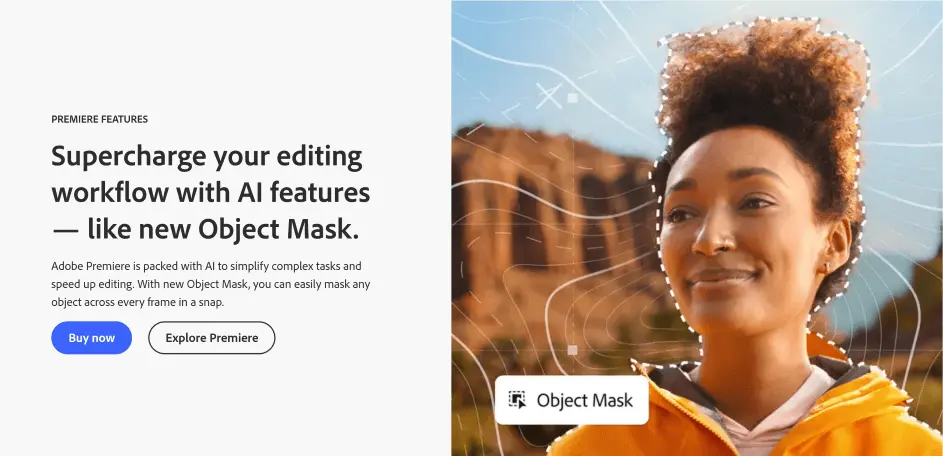
Adobe Premiere is a professional video editing platform built into Creative Cloud, and its biggest draw these days is how much AI it packs in to cut down on grunt work. The standout feature is Object Mask, which lets you hover over and click a subject to have it masked and tracked automatically across every frame, saving hours of manual rotoscoping. There are also tools like Generative Extend let you stretch clips right from the timeline to smooth out awkward cuts, while Media Intelligence powers a search panel where you can just type a plain-language description of a clip and find it in your footage library in seconds.
There’s also solid support for the less glamorous parts of editing – auto-generated transcripts, filler word and pause removal, speech enhancement, auto color correction, and reframing for vertical social formats. To use it, you’ll want to install Premiere through the Creative Cloud desktop app (there’s also a beta version worth trying for early access to new AI tools), and if you’re new to it, starting with Text-Based Editing for rough cuts is a good way to get a feel for how the AI features speed up your workflow before diving into more advanced tools like Object Mask or Colour Match.