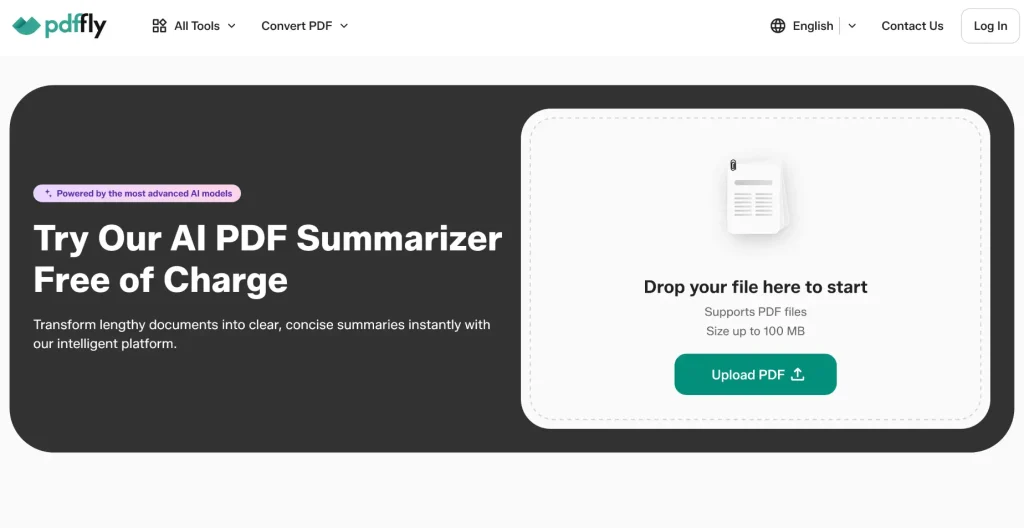
PDFFly’s PDF summarizer is a free online AI tool that reads through a PDF and extracts what actually matters – the main arguments, findings, and conclusions – into a concise, well-structured summary. You upload a file, the tool processes it in a few seconds, and you get back either a summary you can copy and download, or an interactive view where you can ask the AI questions about the document directly.
It handles files up to 100 MB, which means full-length reports, case files, and academic papers go through without splitting. There’s no account to create and nothing to install – it runs in any browser.
Key Features
- Smart content extraction — Pulls essential points from any document while preserving accuracy, so summaries reflect what the file actually says.
- Fast processing — Most summaries are ready in seconds, regardless of document length.
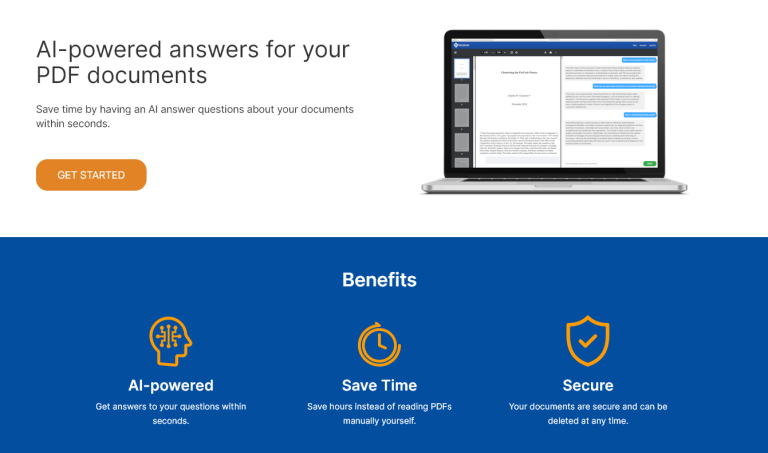
- Chat with your PDF — Ask follow-up questions about the file through an interactive chat interface and get specific answers from the document content.
- Clean, professional output — Summaries come back in a polished, readable format that’s ready to share with colleagues or paste into reports.
- Export options — Copy the summary directly or download it as a PDF to keep your condensed notes organized.
- Large file support — Handles PDFs up to 100 MB in a single pass, so long reports don’t need to be split.
- Multilingual support — Works across multiple languages, so the source document doesn’t have to be in English.
- Cross-device access — Runs the same way on desktop and mobile browsers, with no app required.
Use Cases
- Reviewing materials before a conference — An analyst is attending a two-day industry conference with 15 speaker decks circulated in advance. She runs each one through the summarizer the night before, walks in already knowing the main arguments, and uses her time at the event for the conversations that actually matter.
- Going through a customer feedback report — A product manager gets a 70-page user research deliverable from an external agency. He summarizes it first to understand the key findings, then uses the chat feature to ask about specific user segments without scrolling through the full file.
- Scanning a financial report before a meeting — An investor needs to come prepared for a portfolio review with a quarterly report sitting unread in his inbox. He summarizes it on his phone in the cab, gets the headline numbers and risks, and shows up ready to ask the right questions.
- Condensing course materials for students — A university lecturer is putting together a study guide and wants to give students a shorter version of three long required readings. She summarizes each one, refines the output, and shares them as supplementary study notes.
- Triaging case files — A paralegal receives a stack of court filings from a new matter and needs to figure out which ones are central to the case. She summarizes each, sorts them by relevance, and flags only the ones that need full review by the senior attorney.