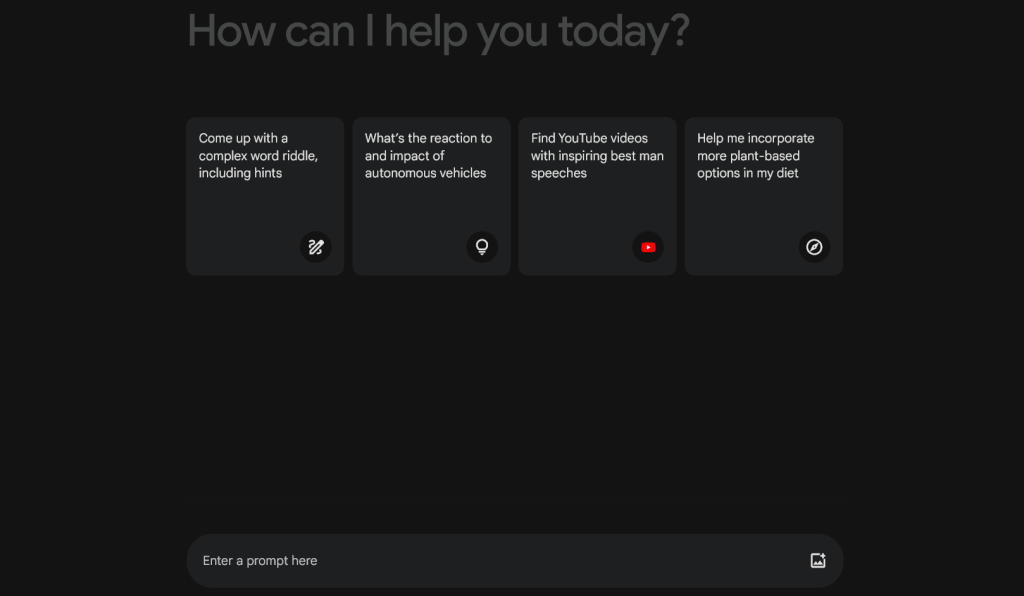
Google Gemini (previously known as Google Bard) is an intelligent AI assistant designed to help boost productivity, imagination and bring ideas to life, such as planning a party, making a pro & con list, or understanding complex topics. Gemini has built-in safety controls, mechanisms for feedback, and is intended to generate original content, not replicate existing content. Google’s chatbot is designed to work well in creative tasks and is a complementary experience to Google Search. Gemini also has access to the internet for improved responses. Unlike most AI models stuck with purely text, Gemini is multimodal, making it super versatile and able to perform actions like identifying subjects in images.
Gemini is also pretty good at generating images – this is powered by its latest Nano Banana model, allowing you create and edit photorealistic images straight from a text prompt or an uploaded photo. It’s great for shifting lighting, camera angles, or style, blending multiple images together, resizing for different formats, and even adding clean, readable text for things like posters or logos.
To use Gemini’s image creation feature, you simply open the Gemini app or visit gemini.google.com, select “Create images” from the tools menu, choose the Fast, Thinking, or Pro model, and describe what you want. Once your image has been created, you can keep refining the image by asking Gemini to tweak specific elements if needed (though you should note that doing so will contribute to your daily free image generations limit.)